> For the complete documentation index, see [llms.txt](https://help.clickatell.com/llms.txt). Markdown versions of documentation pages are available by appending `.md` to page URLs; this page is available as [Markdown](https://help.clickatell.com/clickatell-user-portal/user-portal.md).
# User Portal
The Clickatell Portal is a central, web-based site where you can access and manage your Clickatell account and all your applications and messaging channels.
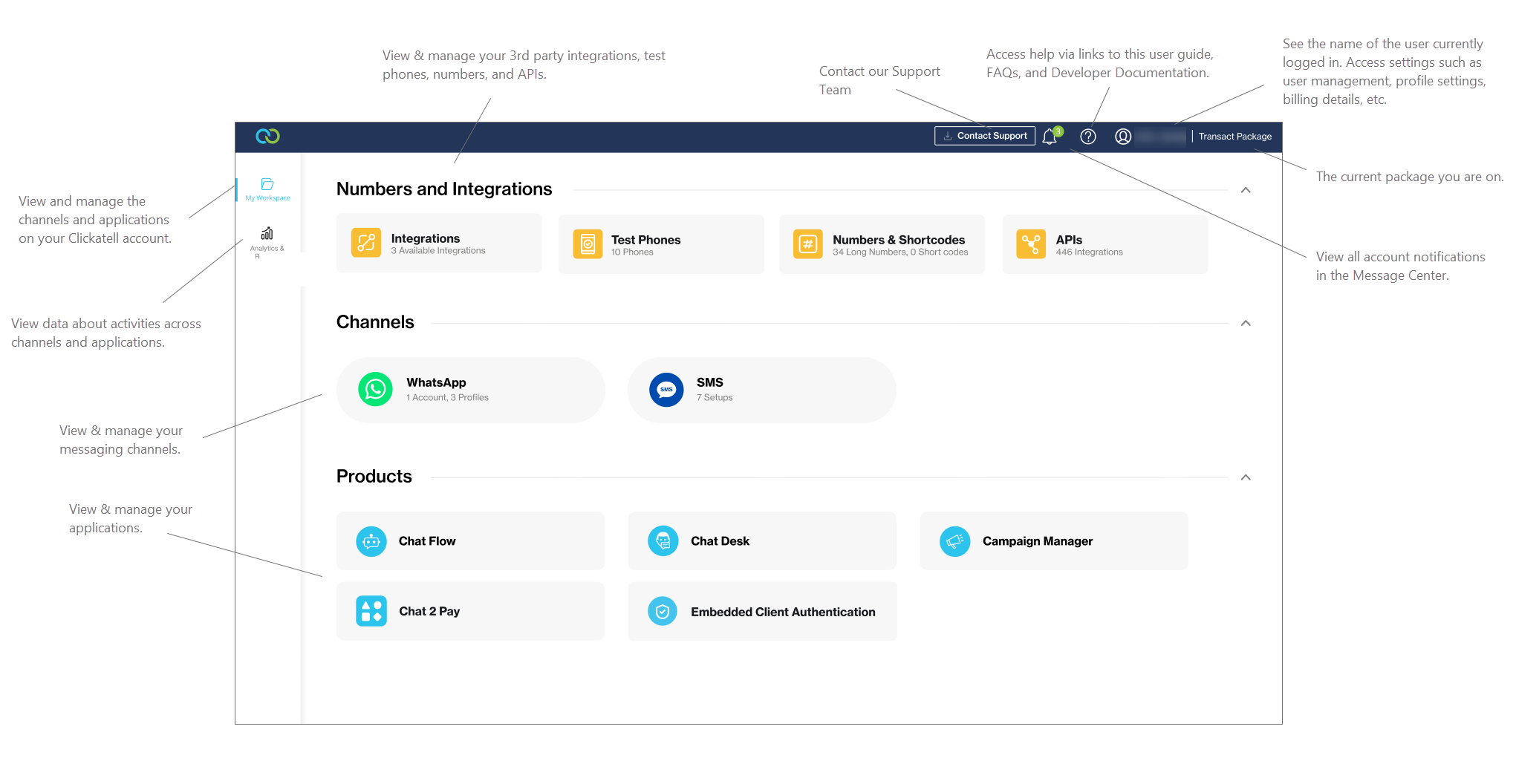
The image below shows the main sections of the portal. Depending on your [package](https://www.clickatell.com/packages/), you'll have access to certain channels and applications and your view might differ slightly.
### My Workspace
This serves as the "main dashboard". View and manage all channels, applications, numbers, test phones, and API integrations on your Clickatell account.
The My Workspace tab
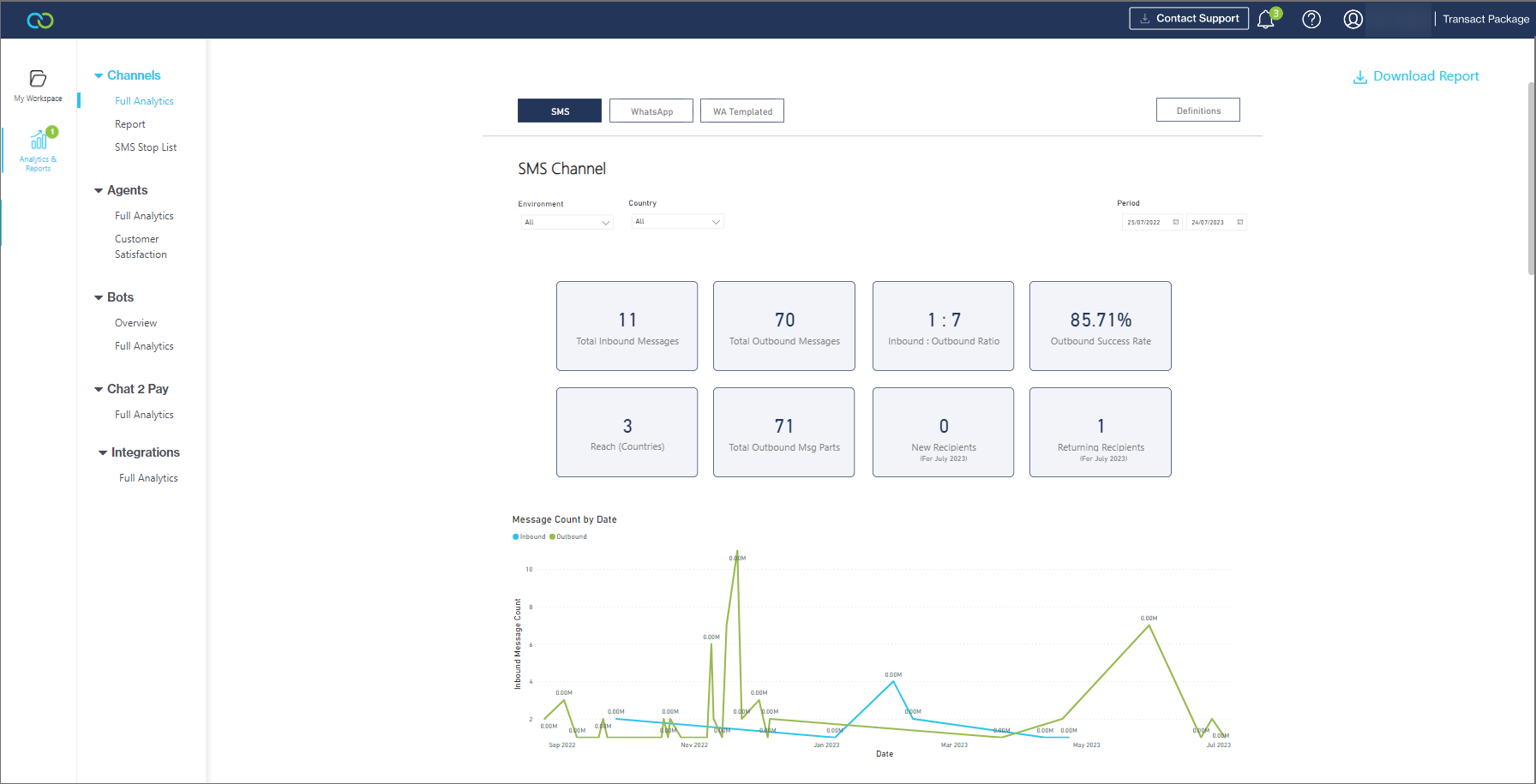
### **Analytics & Reports**
{% hint style="info" %}
Learn more about Dashboards[ here](/data-and-analytics/dashboards-in-clickatell-portal.md).
{% endhint %}
Get an overview of the activities across your channels and applications. View key metrics and graphical data.
The Analytics & Reports tab
### Account Settings
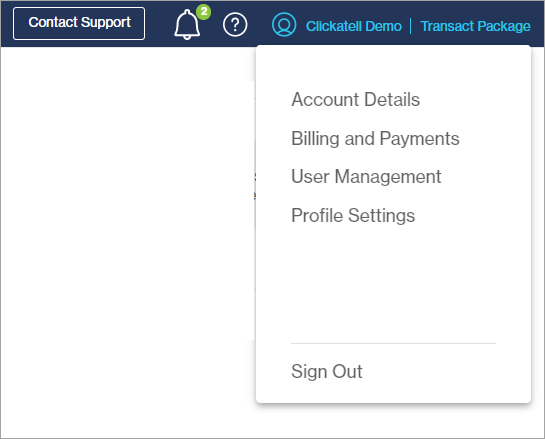
The Clickatell User Portal also provides access to:
* [Account Management](/clickatell-user-portal/user-portal/account-management.md)
* [User Management](/clickatell-user-portal/user-portal/user-management.md)
* [View & Edit API Integrations](/clickatell-user-portal/user-portal/view-and-edit-api-integrations.md)